How to Get Verified on Spotify (2026 Update)
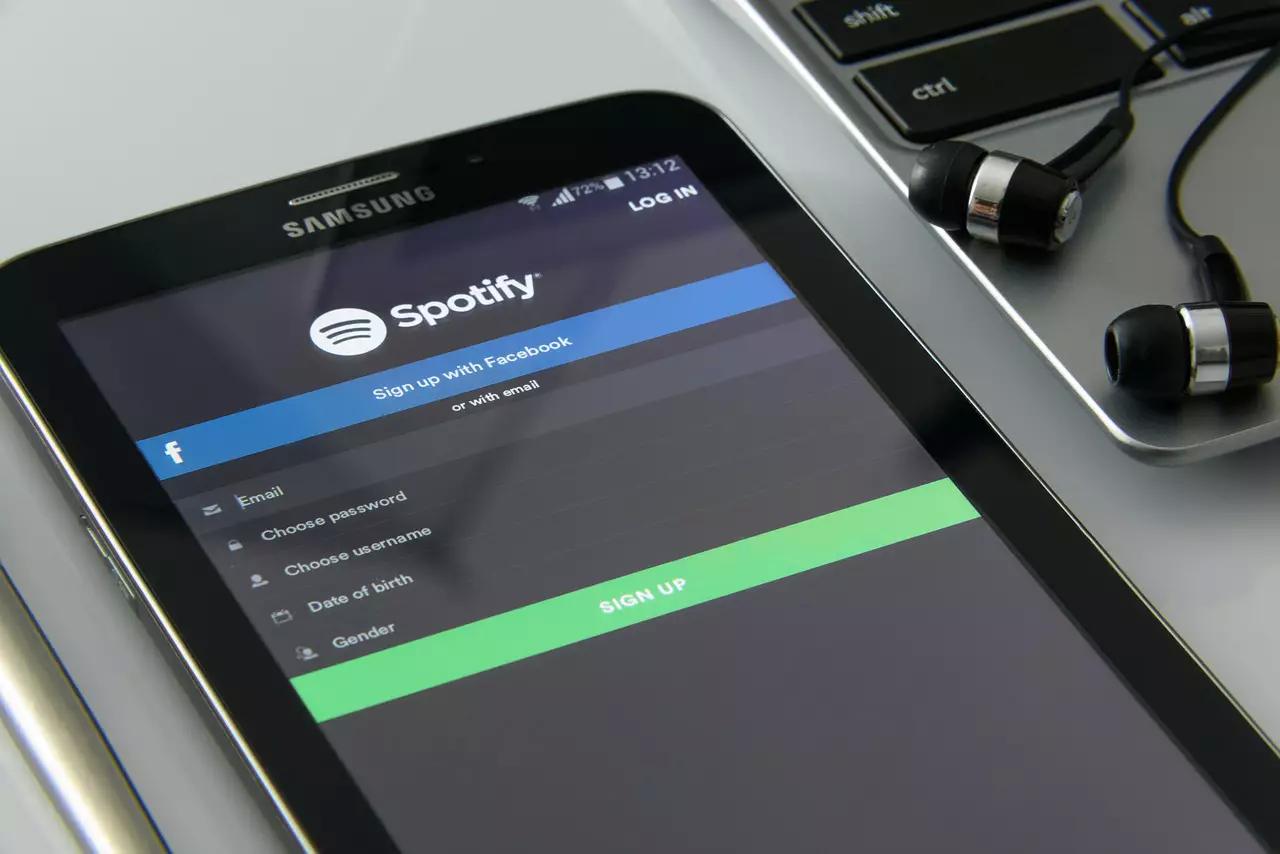
Quick answer: As of 2026, Spotify splits verification into two separate things: a Registered Artist badge, which you get for free by claiming your profile at artists.spotify.com once you have at least one track live (no follower minimum), and a Verified by Spotify green checkmark, which Spotify grants automatically through ongoing review - there’s no application, no follower count, and nothing to submit. If you’re still chasing an old “250 followers” target, that requirement no longer exists.
Uploading your music to Spotify should be part of any working artist’s release plan - even if streaming royalty rates are a legitimate source of frustration, Spotify remains one of the biggest ways for new listeners to find you. Getting verified unlocks the real toolkit: analytics, full profile control, playlist pitching, and your Artist Pick. Here’s how the process actually works now.
Claim Your Registered Artist Profile
Before anything else, you need at least one track officially distributed and live on Spotify - through a distributor like DistroKid, TuneCore, or similar. Once that’s true, go to artists.spotify.com and claim your profile. Spotify confirms the claim through your distributor, usually within a day, and social/identity verification typically takes one to three days on top of that. There is no follower minimum for this step - the old requirement is gone.
Claiming your profile is what unlocks the full Spotify for Artists dashboard: analytics, profile editing, the playlist pitch tool, and your Artist Pick.
Earn the Verified by Spotify Badge
The green checkmark badge is a separate thing from the Registered Artist checkmark, and there’s genuinely no application for it. Spotify reviews profiles on an ongoing basis and looks for a few signals: an identifiable artist presence both on and off the platform, sustained listener engagement over time, and good standing with Spotify’s own policies. You can’t apply for this directly - you earn it by being an active, legitimate, consistently-engaged artist on the platform.
What Actually Moves the Needle
Since the badge itself isn’t something you can request, focus your energy on the things Spotify is actually evaluating:
Make Your Profile Easy to Find and Follow
Add a Spotify Follow or Play button to your website, or embed a Spotify player directly - the easier you make it for a website visitor to land on your Spotify profile, the more consistently your listener numbers grow.
Tell Your Existing Fans
Your email list and social following are the fastest way to move people onto Spotify specifically - mention your Spotify profile in release announcements and the occasional social post, without turning every message into a Spotify plug.
Use Paid Ads Selectively
A modest budget on Meta or Instagram ads pointed at a landing page with your Spotify player and follow button can meaningfully move the needle, especially around a release. You don’t need much - a few dollars a day reaches real numbers of people.
Build Playlists
Curate your own playlists - a mix of your own music and tracks you genuinely enjoy - and mention new ones in your regular updates. It’s a low-effort, ongoing way to stay visible in someone’s Spotify activity between your own releases.
Keep Releasing
The single biggest lever for sustained engagement (which is exactly what Spotify’s automatic review is looking for) is simply staying active. Consistent releases keep existing followers engaged and keep bringing in new ones - momentum, not one big push, is what earns the badge over time. If keeping this consistent on top of everything else is starting to feel unmanageable, that workload crunch is also one of the real signs you’re ready for a music manager.
Frequently Asked Questions
How many followers do I need to get verified on Spotify? None. Spotify removed the follower requirement - claiming your Registered Artist profile only requires that you have at least one track live and officially distributed on Spotify.
What is the difference between a Registered Artist and Verified by Spotify? Registered Artist is the checkmark you get by claiming your profile through your distributor - no follower minimum, usually approved within a day. Verified by Spotify is a separate green badge Spotify grants through its own ongoing automatic review, based on identifiable presence, sustained engagement, and good standing - there is no application for it.
Does it cost anything to get verified on Spotify? No, the entire process is free. You will need to already be working with a distributor to get your music onto Spotify in the first place, but claiming and verifying your profile costs nothing on top of that.
Getting your next release out is the fastest way to keep that engagement building. Submit Your Music and let’s help it find new listeners.
Sharing is caring — pass it on:
Related
- How to Get a Music Manager: 5 Things to Fix Before You Go Looking
- Signing an Indie Label Contract Without a Music Manager
- Before You Sign: The Music Manager Contract Checklist (And What to Ask First)
- Music Agent vs. Music Manager: What's the Real Difference?
- Manager, Booking Agent, or Road Manager: Who Do You Actually Need?