5 Best DAWs for Music Production (And How to Actually Choose One)
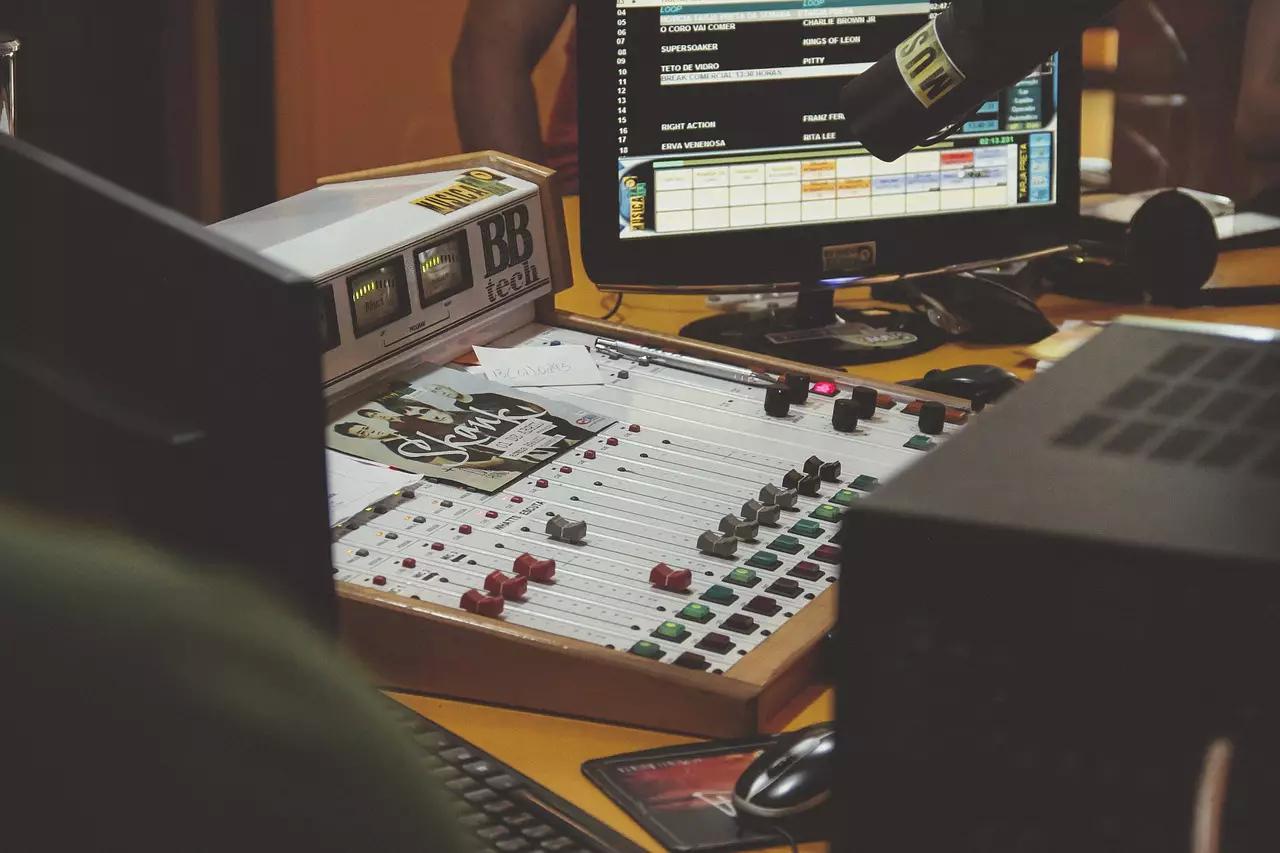
Quick answer: You don’t need a studio - you need a computer and a DAW (digital audio workstation), the software you’ll use to record, arrange, and mix. FL Studio is the strongest all-rounder and the standard for beat-making, Ableton Live is the go-to for electronic/live performance work, Logic Pro is the best value if you’re already on a Mac, Reaper is the best budget-friendly option that doesn’t feel like a toy, and GarageBand or BandLab are the right free starting points if you’re not ready to spend anything yet. If none of those jump out, don’t just pick whatever tops a “best DAW” list - weigh ease of use, cost, genre fit, and plugin support instead (more on that below). Every one of these can produce a finished, professional-sounding track, and none of them will finish it for you.
Anyone can start learning music production today. You don’t need your own studio - you need a computer and the right software. Once you have a DAW, you’ll be able to work with multiple tracks, add instruments, program beats, and build a full arrangement from scratch, all from the desk you’re already procrastinating at.
What Is a DAW?
A DAW (digital audio workstation) is the software that gives you a workspace to actually make music - recording, arranging, mixing, and often built-in instruments and effects. It’s the foundation everything else (plugins, outboard gear, external instruments) gets added on top of. Worth keeping separate in your head: a DAW is software, not hardware - if you’re recording live sound (vocals, guitar, anything through a mic or instrument cable), you’ll also need an audio interface, the box that actually gets that signal into your computer for the DAW to receive. It is also, fair warning, the first item in a very long and expensive rabbit hole - you will absolutely find yourself considering a $200 plugin you’ll use twice, and that is simply part of the deal.
Here are 5 solid options for every budget and skill level:
- FL Studio
- Ableton Live
- Logic Pro (Mac only)
- Reaper
- GarageBand or BandLab (free)
FL Studio
FL Studio has one of the deepest track records in the game - it started life as “Fruity Loops” and became a standard in hip-hop and electronic production long before it was taken seriously elsewhere (the name alone got it laughed out of a few studios in the 2000s; nobody’s laughing now). It’s now available for both Windows and Mac, and its step sequencer and beat-making workflow are still its biggest draw.
The entry-level edition has some limits on external hardware instruments, but you get the full beat sequencer, plugins, and loop library - and lifetime free updates once you own a license, which is unusual in this space and worth factoring in before you buy something with a subscription instead.
Ableton Live
Ableton Live is the standard choice for electronic music and live performance, built around its Session View for quick, non-linear idea capture and its strength as a genuine live-performance instrument, not just a studio tool. It runs on both Mac and Windows and scales from the entry-level “Intro” edition up through “Suite,” which adds a large instrument and sound library.
If you want a DAW you can also perform with on stage, not just produce in, this is the one most artists land on.
Logic Pro
Logic Pro is Apple’s professional DAW, Mac (and iPad) only, and one of the best values in production software today for a flat one-time price rather than a subscription. It ships with a large library of stock instruments, loops, and effects that are genuinely usable on a finished track, not just placeholders you’re expected to replace later.
If you’re already working on a Mac, this is usually the first one worth trying.
Reaper
Reaper is the budget pick that doesn’t feel like a budget pick. It’s fully featured, endlessly customizable, and costs a fraction of the competition (with a generous 60-day free trial to actually test it first - plenty long enough to finish, or more realistically abandon, an entire album). It’s not the flashiest interface out of the box, but almost everything about it can be reshaped to your workflow once you’re comfortable in it.
GarageBand or BandLab (Free)
If you’re not ready to spend anything yet, GarageBand (Mac, free, genuinely capable) and BandLab (browser-based, free, works on any platform including Chromebooks) are both real starting points, not toy versions of “real” software. Plenty of released tracks have been made entirely on free tools - the DAW is not what’s holding your music back, and it was never going to be the excuse you were hoping it was.
How to Actually Choose Between Them
A ranked list only gets you so far when two of the picks above fit your workflow and three don’t. If nothing jumped out from the list, evaluate against these 4 criteria instead:
Ease of use. Some DAWs demand real tutorial time before you’re productive; others let you start recording within minutes. If you’re just starting out, weight this heavily - GarageBand and BandLab are both genuinely unintimidating starting points.
Cost. You don’t need to spend a lot to make real music - Reaper delivers most of a professional feature set for a fraction of what the big names charge, and GarageBand/BandLab cost nothing at all. Paying more generally buys a deeper feature set and stronger third-party plugin support, not automatically better-sounding output.
Sound quality and genre fit. Different DAWs earned their reputations in different genres - FL Studio in hip-hop and beat-making, Ableton Live in electronic and live performance, Logic Pro as a strong Mac-native all-rounder. “Best” sound quality is a genuinely debated topic among producers and depends heavily on what you’re making, not a fixed ranking. (One correction worth flagging if you’ve read older DAW advice elsewhere: Cakewalk’s Sonar, once a common recommendation, was discontinued as a paid product years ago - it lives on now only as the free “Cakewalk by BandLab.”)
Plugins and extras. Most DAWs ship with a preset library of sounds and instruments to start with. If you outgrow the built-ins, check how strong third-party plugin support is before committing - some DAWs have far deeper ecosystems than others, which matters more the further you get into production.
Try this prompt: Describe your situation to an AI assistant - your budget, your operating system, your genre, and whether you’re mostly beat-making, recording live instruments, or both - and ask: “Given this, which of the 4 DAW criteria (ease of use, cost, genre fit, plugins) should I weight most heavily, and why?” Use it to sharpen your own thinking, then check the answer against the 5 picks above.
If the “right” DAW still isn’t obvious, start with whatever’s most affordable and accessible, and get comfortable with the basics - the fundamentals you learn (arranging, mixing workflow, plugin routing) largely transfer if you switch to something more advanced later. The DAW you’ll actually open and use beats the “better” one sitting unopened because it’s intimidating.
Start Making Money With Music Production
Once you’re comfortable turning ideas into finished tracks, there’s real income on the other side of that skill: selling beats to video producers and other artists, licensing tracks, and producing for other musicians are all realistic paths once your production quality is there.
Whatever DAW you pick, the software is the smallest part of the equation - the hours you put in and the ears you develop matter far more than which logo is on the splash screen. Comparing DAWs is a genuinely fun way to spend an afternoon. It is not, itself, making a song.
Frequently Asked Questions
What is a DAW? A DAW - digital audio workstation - is the software you use to record, arrange, and mix music on a computer. It’s the one piece of software every producer needs before anything else: instruments, plugins, and outboard gear are all things you add to a DAW, not replacements for one.
What’s the difference between a DAW and an audio interface? A DAW is the software you use to record, arrange, and mix - the program itself. An audio interface is the hardware box that connects a microphone or instrument to your computer so the DAW can actually receive that signal. You typically need both if you’re recording live sound.
What’s the best DAW for a complete beginner? Weight ease of use over feature depth at first. GarageBand (free, Mac only) or BandLab (free, browser-based, cross-platform) are the easiest on-ramps with zero cost. If you want something you’ll likely stick with long-term, Ableton Live and FL Studio are both beginner-friendly and scale up to professional use - you can always graduate to something more advanced once you know what you’re missing.
Do I need to pay for a DAW to make good music? No. Reaper is close to full-featured for $60, and GarageBand and BandLab are both free and genuinely capable. Price mostly buys you a deeper feature set and more third-party plugin support, not automatically better sound - plenty of released, playlisted tracks were made entirely on free software.
Which DAW is best for beat-making and hip-hop production? FL Studio has the strongest reputation here - its step sequencer and workflow were built around exactly that use case, and it’s still the most common answer among hip-hop and electronic producers.
Once your tracks are ready for the world, Submit Your Music and let’s get them in front of real ears.
Sharing is caring — pass it on: